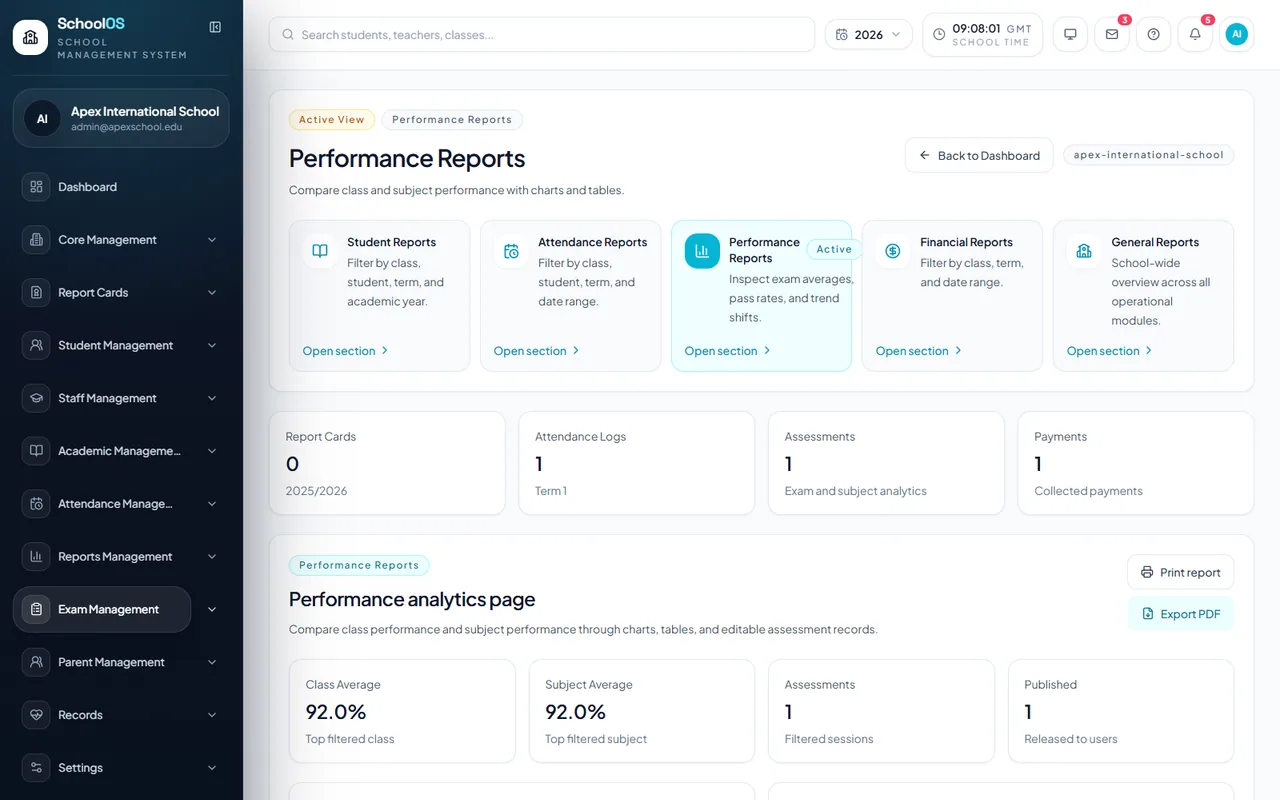
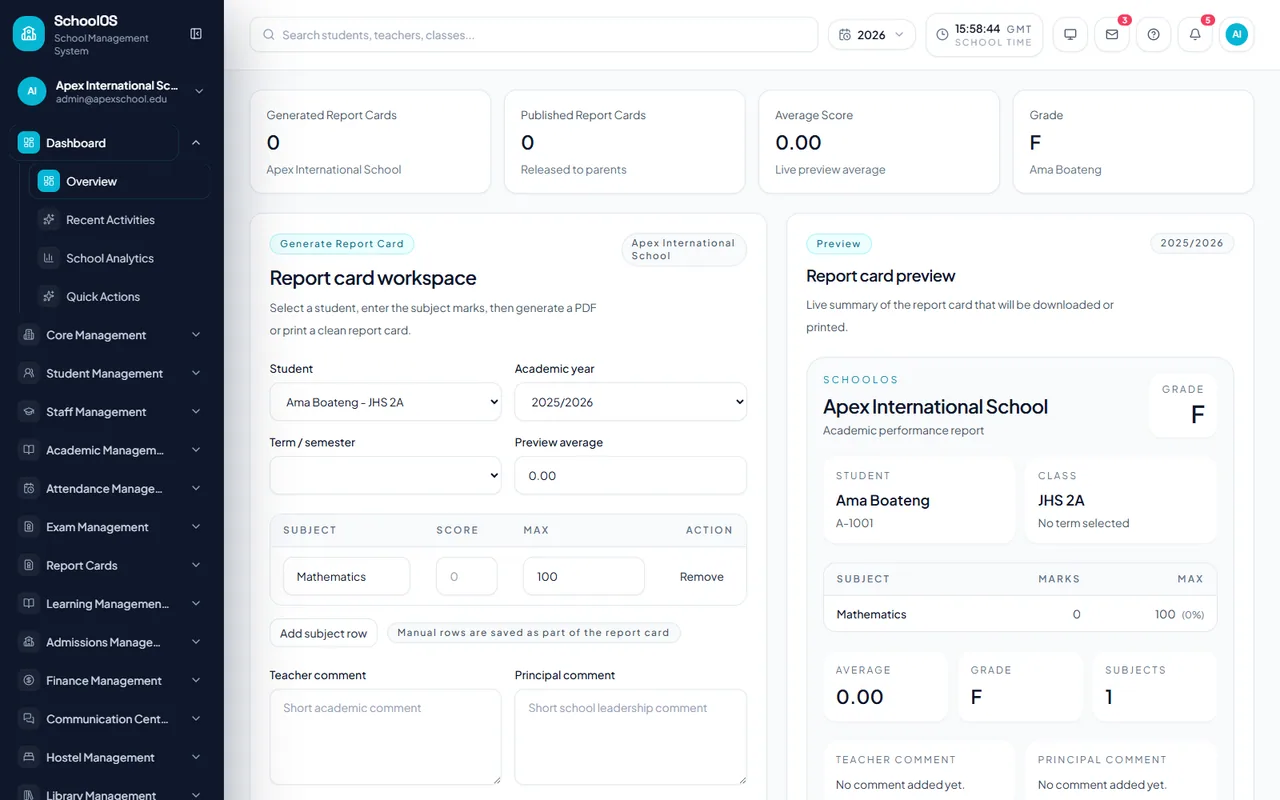
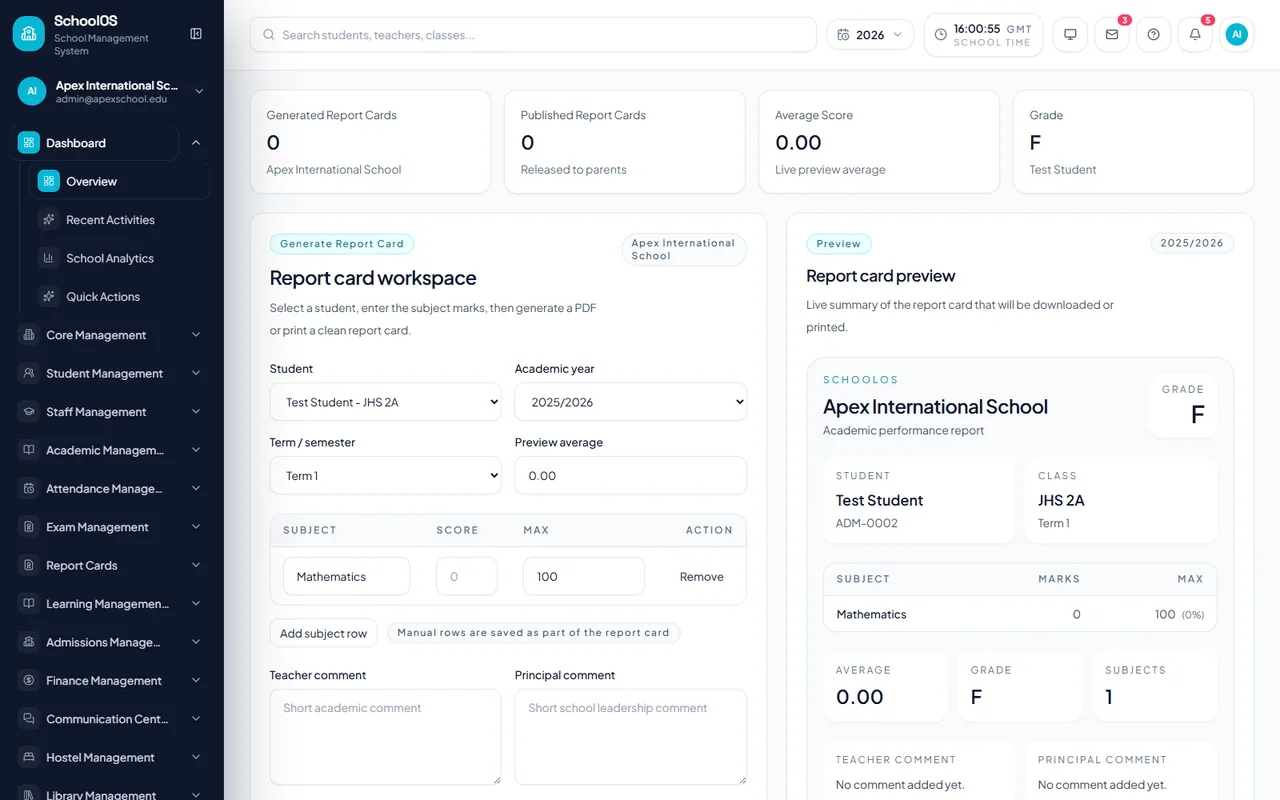
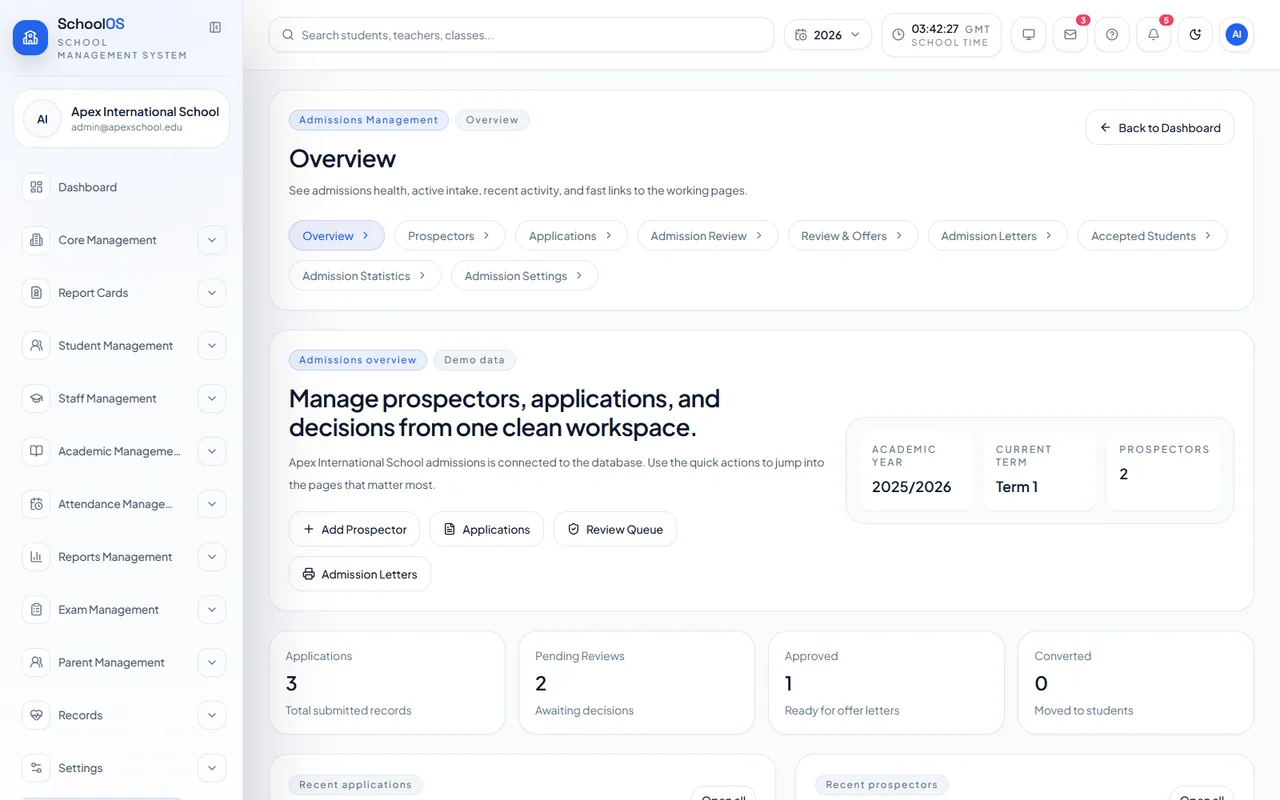
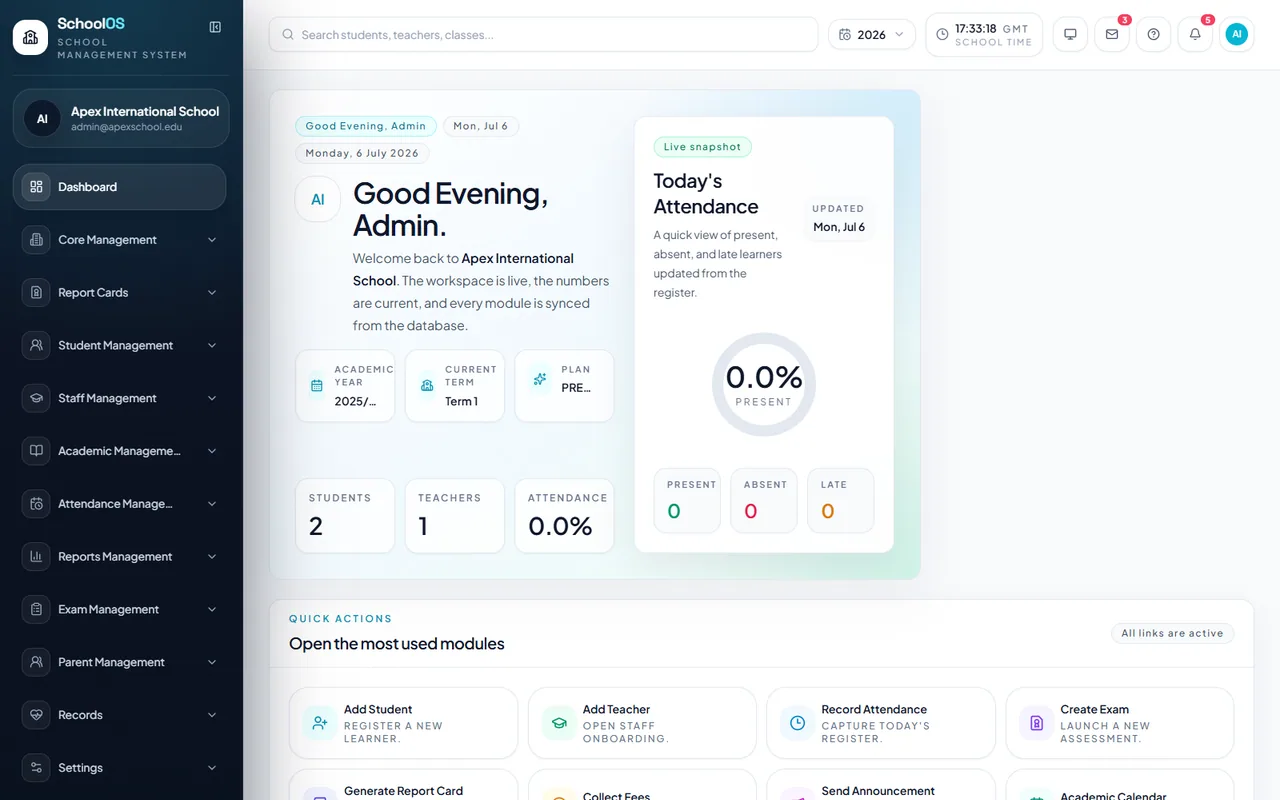
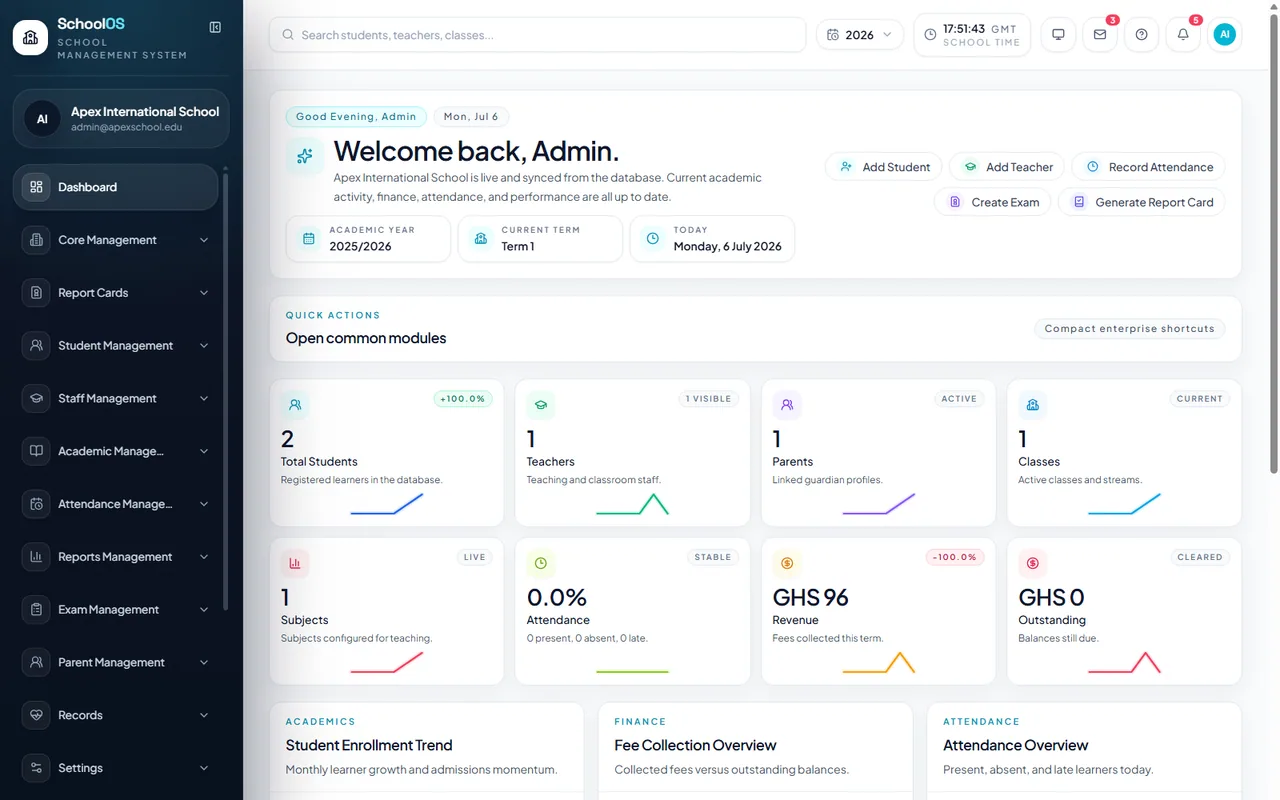
Unified Across Devices
Switch seamlessly between desktop, laptop, tablet and mobile with one consistent experience.
SchoolOSCloud is a complete school management platform designed to help schools manage academics, students, staff, finance, communication, attendance, reporting, and daily administration from one secure system.
Tell us about your school and our team will contact you with the next steps.
Explore the core modules that simplify school operations, improve communication and support confident decisions.
Manage student information, classes, subjects, timetables, academic calendars and teacher allocations from one connected workspace.
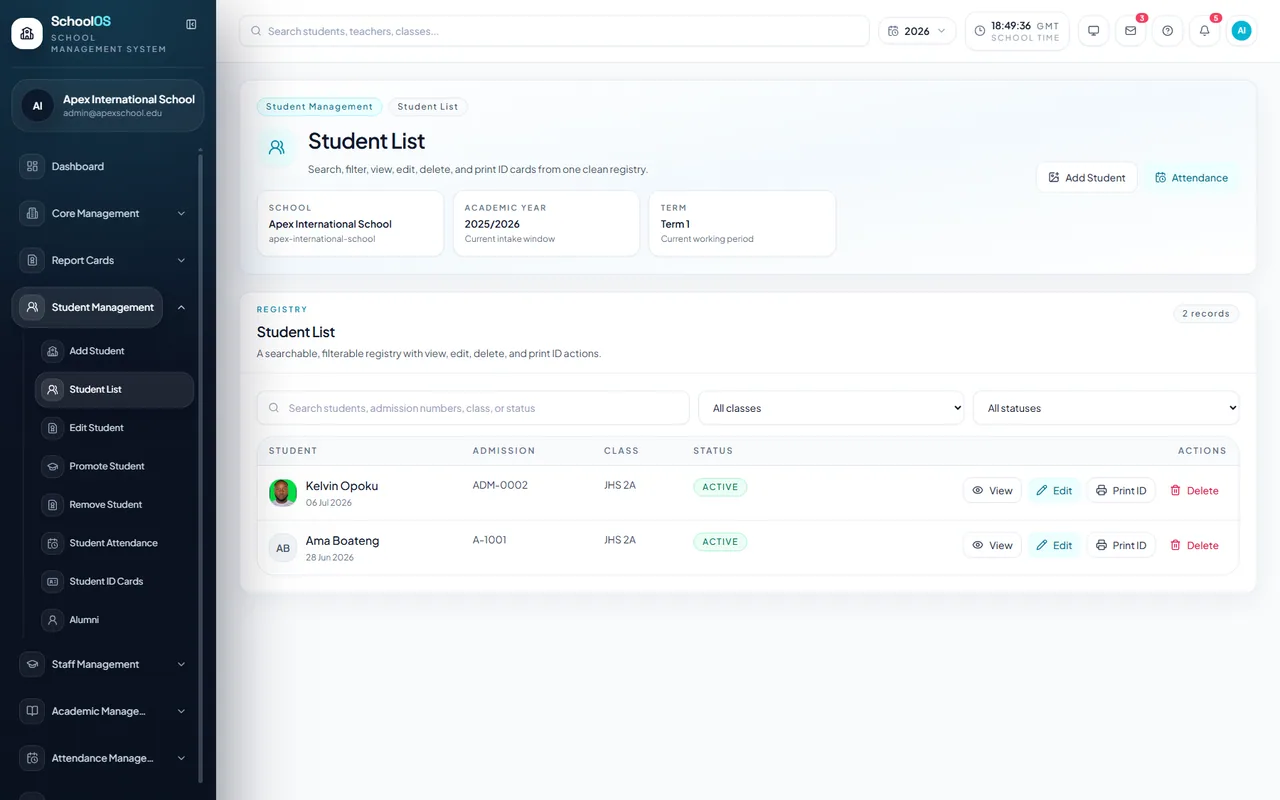
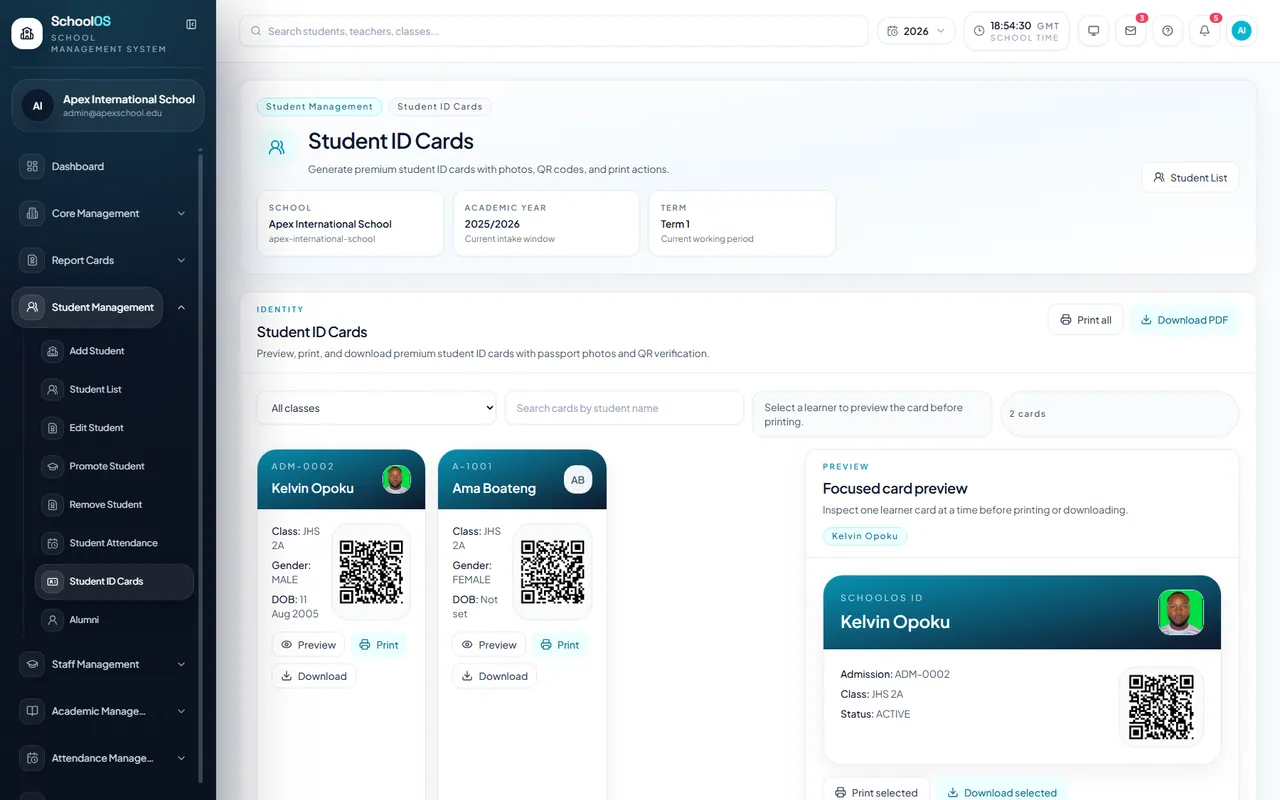
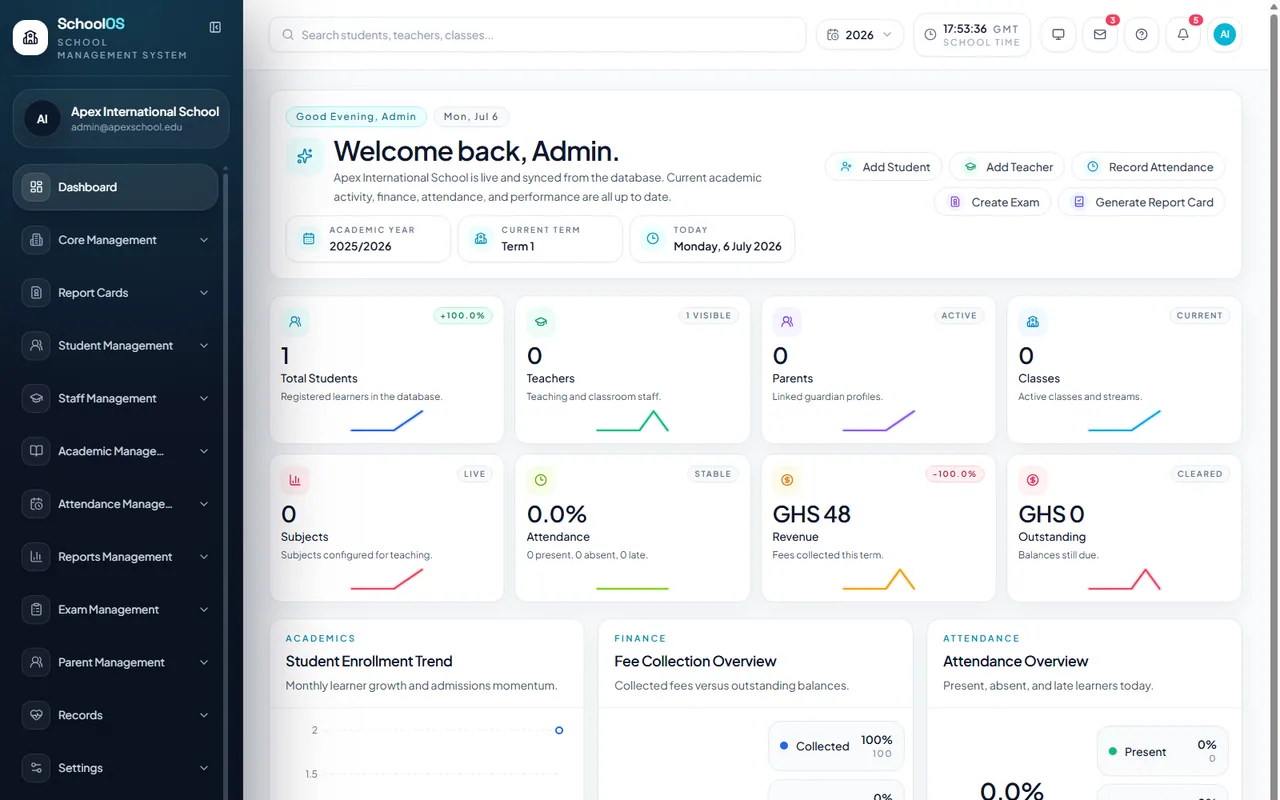
Slide 1 of 3: Student & Academic Management
Manage your school from one secure platform whether you're in the office or on the move. SchoolOSCloud automatically adapts to desktops, laptops, tablets and mobile devices so administrators, teachers, accountants, students and parents always enjoy the same fast experience.
See Full DemoSwitch seamlessly between desktop, laptop, tablet and mobile with one consistent experience.
Attendance, grades, fees and communication update instantly across every device.
Role-based permissions, encrypted data, automatic backups and enterprise-level security.
A modern school platform should simplify the day, protect institutional data and help leadership act with confidence.
Every workflow is shaped for administrators, teachers, accountants, students and parents—not generic office software.
Each school receives an isolated workspace with role-based access, audit history and owner-controlled onboarding.
Academic, operational and financial information stays connected, current and ready for confident decisions.
All plans require an approved access request. Pricing is confirmed with your school before setup.
For small schools getting started with digital administration.
For growing schools that need deeper analytics and automation.
If your question is not covered here, include it in your access request and our team will respond.
No. Schools submit an access request first. The SchoolOSCloud onboarding team reviews it and securely creates the school workspace and first administrator account.
Your request is stored securely, the SchoolOSCloud team is notified, and you receive a confirmation email. After review, our team contacts you about setup and pricing.
Yes. SchoolOSCloud supports Preschool, Primary, JHS, SHS, Technical and Vocational, and International School workflows, including Ghana-style terms, fees and attendance.
Submit your school details. Our team will review your request and guide you through approval, setup and launch.
For multi-campus schools and premium white-label deployments.
“SchoolOSCloud gives our leadership one clear view of attendance, fees and academic performance without chasing separate spreadsheets.”
“The daily tools feel straightforward for teachers, while the reports give management the depth we need for decisions.”
“What impressed us most was the guided setup. Our team received a structured workspace built around how the school operates.”
Our team can arrange a guided demonstration after reviewing your access request. There is no automatic or unapproved public trial workspace.
Approved schools receive secure temporary credentials from the SchoolOSCloud team. The first administrator must create a new private password immediately after signing in.